I run an entire YouTube channel and content workflow on just two subscriptions. Here’s exactly what they are, what they do, and whether they’re worth it.
I want to be upfront before this article starts: I’m not going to give you a list of 47 AI tools I found on Product Hunt and have never touched.
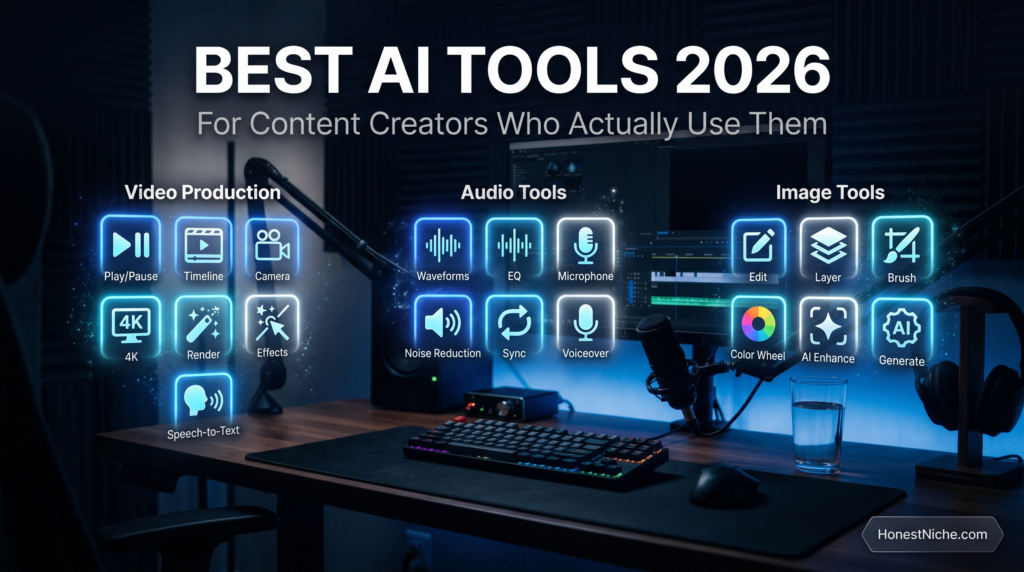
Every tool here is something I use weekly — sometimes daily — to produce content for an active YouTube channel without a studio, without a camera, and without a team. My entire production workflow runs on two subscriptions covering video generation, voiceover, music, image creation, and stock footage.
Why Most “Best AI Tools” Lists Are Useless
The problem with most AI tools roundups is they’re written by people who spent 10 minutes on a free trial and slapped an affiliate link under a screenshot.
You can tell because the reviews all sound identical. “Powerful AI capabilities.” “Easy to use interface.” “Great for content creators.”
This article is different because I’m telling you what these tools actually do inside a real production workflow — including the limitations, the workarounds, and whether the price is genuinely justified.
The Two Subscriptions That Run My Entire Workflow
1. ElevenLabs — AI Voiceover
ElevenLabs is the tool I use for every voiceover on my channel. Guided meditations, narrations, long-form sleep scripts — all generated without a microphone.
What separates it from every other text-to-speech tool I’ve tested is voice quality. The output is genuinely human-sounding in a way that catches people off guard. Viewers regularly compliment the narrator on my videos without realising it’s AI-generated.
The voice library has hundreds of options across accents, tones, and styles. For calm meditative content I use a voice called Kristen with stability at 100% and speed at 0.8x — that specific combination took experimentation to land on and makes a significant difference.
Practical limits worth knowing: each generation caps at 5,000 characters, so long scripts need to be split and joined in editing. The tool also occasionally drops volume toward the end of clips on sleep-style content — manageable once you know it exists.
Pricing starts free for testing, with the Creator plan at around $22/month covering everything a serious content creator needs.
For anyone building a faceless YouTube channel, a podcast, or content requiring consistent voiceover at scale — ElevenLabs is the benchmark tool heading into 2026.
👉 Try ElevenLabs here — start free, no credit card required.
2. Artlist — Music, Video Generation, Stock Footage and More
Most people know Artlist as a music licensing platform — and it is — but in 2026 it’s become something closer to an all-in-one creative suite.
A single Artlist subscription gives access to:
Royalty-free music for every video produced. The library is extensive and the licensing is clean — no copyright strikes, no monetisation issues.
Kling — one of the most capable AI video generation tools available. I use this to generate cinematic ambient footage for my YouTube channel. City skylines, atmospheric environments, nature scenes — all generated without filming anything.
Seedream — an AI image generation tool I use for every thumbnail and Pinterest pin. The output quality is impressive for static visuals and the dark cinematic aesthetic suits my content perfectly.
Stock footage covering almost any visual need when AI generation isn’t the right fit.
The value consolidation here is significant. Before bundled platforms like this existed, you’d pay separately for music licensing, AI video, image generation, and stock footage. Artlist bundles all of it under one subscription.
For content creators who want a lean, efficient production workflow without juggling six different tools — this is the smartest single purchase you can make in 2026.
How These Two Tools Work Together
Here’s the actual production workflow these two subscriptions power:
- Write the script using AI writing tools
- Generate voiceover through ElevenLabs — split into two parts for long-form, joined in CapCut
- Generate ambient video footage through Kling inside Artlist
- Create thumbnails and visual assets through Seedream
- Select and add background music from the Artlist library
- Edit everything in CapCut and export for YouTube
The entire process from script to finished video happens without a camera, without a microphone, and without leaving your desk. Two subscriptions, one editing tool, one scalable process.
What I Don’t Use and Why
Murf — tested it, voice quality doesn’t match ElevenLabs for the price. The built-in editor is convenient but not enough to justify switching.
Play.ht — impressive ultra-realistic voices but inconsistent output quality. Too much trial and error for high-volume production.
Separate AI video tools outside Artlist — redundant once you have Kling access through the Artlist bundle. No reason to pay twice.
The Honest Cost Breakdown
- ElevenLabs Creator plan: ~$22/month
- Artlist: check their website for current plan pricing
- CapCut Pro: low monthly cost, worth it for export controls and editing features
Total monthly investment to run a complete AI content production workflow: under $60/month depending on your Artlist plan.
A single monetised video, one affiliate commission, or one client project covers this entirely.
Frequently Asked Questions
What is the best AI tool for YouTube voiceover in 2026? ElevenLabs. It leads the market on voice naturalness and production consistency and remains the tool most serious faceless YouTube creators rely on.
Is Artlist worth it in 2026? Yes — especially if you’re also using Kling for AI video generation and Seedream for image creation. The bundle value makes it one of the most cost-efficient subscriptions for content creators.
Can you run a YouTube channel with no camera and no microphone? Yes. The workflow described in this article produces complete videos entirely through AI tools. No filming, no recording required.
What AI tools do faceless YouTube channels use? The core stack is an AI voiceover tool like ElevenLabs, an AI video generation tool like Kling, a music library like Artlist, and a video editor like CapCut.
How much does it cost to start a faceless YouTube channel with AI tools? Under $60/month covers a complete professional workflow using the tools in this article.
Final Verdict
The barrier to creating professional content has effectively collapsed in 2026. What previously required a studio, equipment, a team, and significant budget now requires two subscriptions and a laptop.
The tools exist. The workflow is proven. The only variable is whether you actually start.
Disclosure: This article contains affiliate links. If you purchase through our links we may earn a commission at no extra cost to you. We only recommend products we have personally used and tested.

Jamie Calloway is a freelance health writer and father of two based in Austin, Texas. He came to sleep research the hard way — eighteen months of broken nights with a newborn daughter who refused to sleep for more than two hours at a stretch.
What started as desperate 3am Google searches turned into a systematic obsession with understanding what actually works for baby sleep versus what is clever marketing aimed at exhausted parents willing to try anything. Jamie tested white noise machines, sleep sacks, blackout solutions, sleep tracking apps, and every swaddle technique known to the internet before his daughter finally slept through the night.
He now brings that hard-won, first-hand experience to Honest Niche — reviewing baby sleep products, sleep devices, and family sleep solutions with the perspective of someone who genuinely needed them to work. His reviews prioritise real-world effectiveness, safety, and value over spec sheets and brand claims.